Done Is Better Than Perfect: Why Shipping Your Screenshots Beats Polishing Them
Stuck endlessly tweaking your App Store screenshots? Here's a pragmatic, developer-to-developer take on why shipping a good-enough version and iterating with real data beats chasing perfection in the editor.
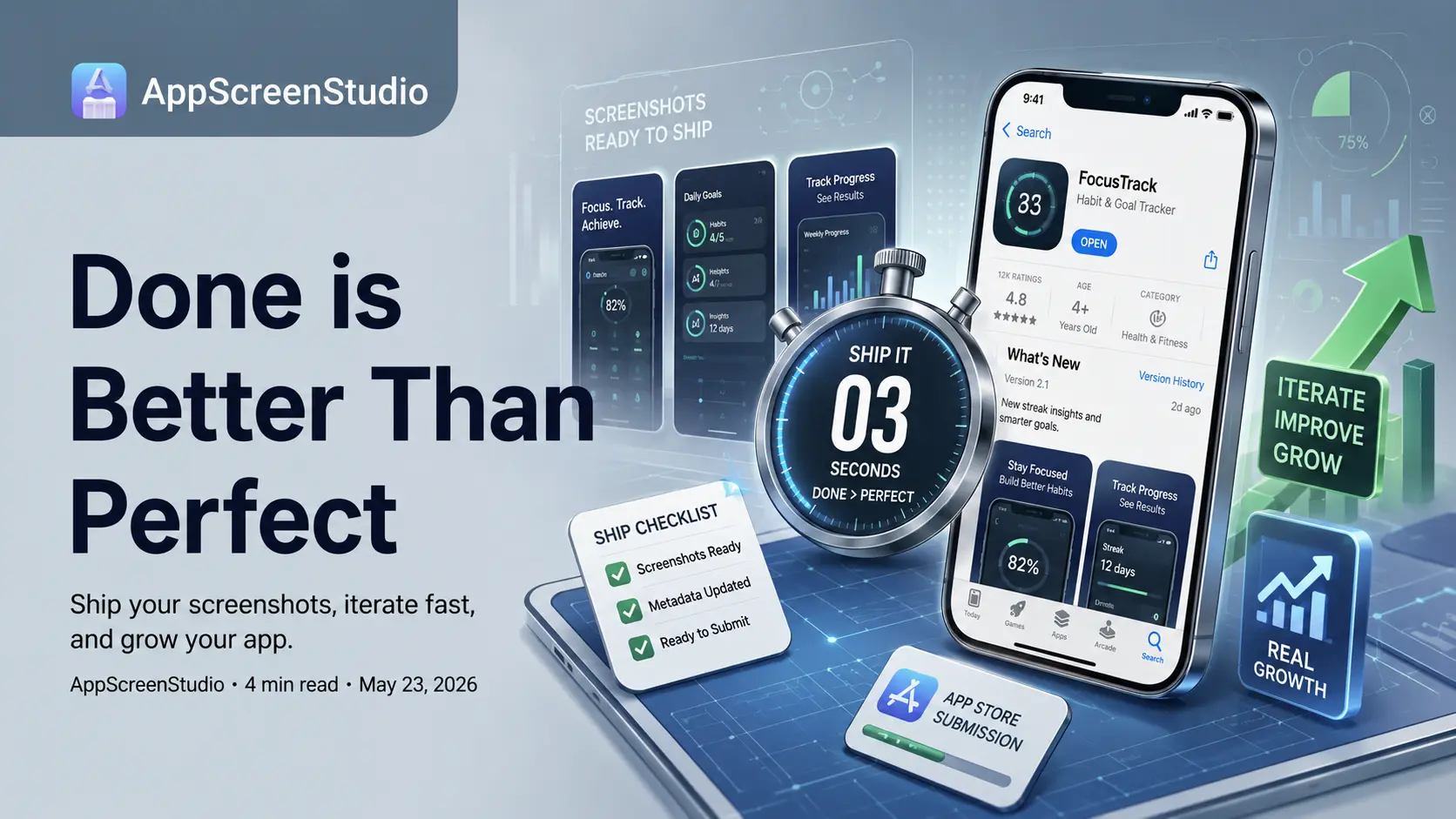
Done is Better Than Perfect: Stop Pixel-Pushing Your App Store Screenshots
You open AppScreenStudio to generate your App Store screenshots. You estimate a 20-minute task. Three hours later, you're debating if the device frame shadow needs a 5% opacity tweak and whether your font weight should be 500 or 600. Let's talk about this loop. It's a common trap for indie hackers and developers, and it's actively killing your shipping velocity.
The Illusion of Progress
The tricky part is that pixel-pushing feels productive. You're tweaking layouts, refining localizations, and exporting new assets. But there is a hard line between work that drives conversion and work that just keeps you busy. Spending an hour adjusting a gradient nobody will notice falls strictly into the second category.
It's an easy trap because it's safe. As long as your screenshots are "in progress," you don't have to face the market. No real user acquisition metrics, no bounce rates, no reality check. Endless polishing is often just a deployment delay masquerading as quality control.
The 3-Second Reality of App Store Browsing
Here is the brutal truth of App Store Optimization (ASO): the average user glances at your screenshots for about three seconds on a mobile display, likely at half brightness while waiting in line for coffee. The assets you obsessed over for a week and the ones you generated in twenty minutes look functionally identical to them. The marginal UI gains you're chasing in the editor disappear entirely at the scale of a 6-inch screen.
What actually moves the needle is being live. A shipped binary with "good enough" screenshots captures users; a perfect local draft captures zero. You can't run split tests in App Store Connect or Google Play Console on an app with zero impressions. You need a baseline out in the real world before any optimization advice even applies.
Signs You're Stuck in the Localhost Mindset
Not a lecture, just a quick gut-check. You are likely over-polishing if:
- You are zooming past 100%: If you have to zoom into a high-res canvas to see the margin adjustment, the user scrolling on an iPhone 13 mini will never notice it.
- You lack defined exit criteria: "Making it look better" is an infinite loop. "Ready to ship" is a boolean state you can actually execute on.
- You're optimizing without analytics: You are guessing at what drives conversions instead of letting actual impression-to-install metrics dictate your design choices.
Iterate in Prod, Not in Private
Shipping version 1.0 isn't the end of your ASO—it's the beginning of a data-driven feedback loop. The entire point of using an automated tool like AppScreenStudio is to drop the friction of exporting to near zero. When updating a screenshot takes thirty seconds instead of thirty minutes, you stop treating each export as an immutable final product.
You ship a baseline, track your conversion rate, iterate the copy, and deploy a variant. Your store presence improves because you are learning from real traffic, not because you accurately predicted user psychology before launch. Lower the cost of changing your mind so you can afford to ship and adjust.
Timebox and Ship
Practically speaking: give yourself a hard timebox. Generate your layouts, drop in your copy, hit export, and publish. Treat your first set of screenshots as a baseline metric, not a final masterpiece. You can't hear what the market thinks until your app is actually in front of it.
The headline you're nudging two pixels to the right is fine. Ship it. You can always update your metadata tomorrow, and when you do, it will be based on actual App Store analytics rather than localhost assumptions.