01 / Go global
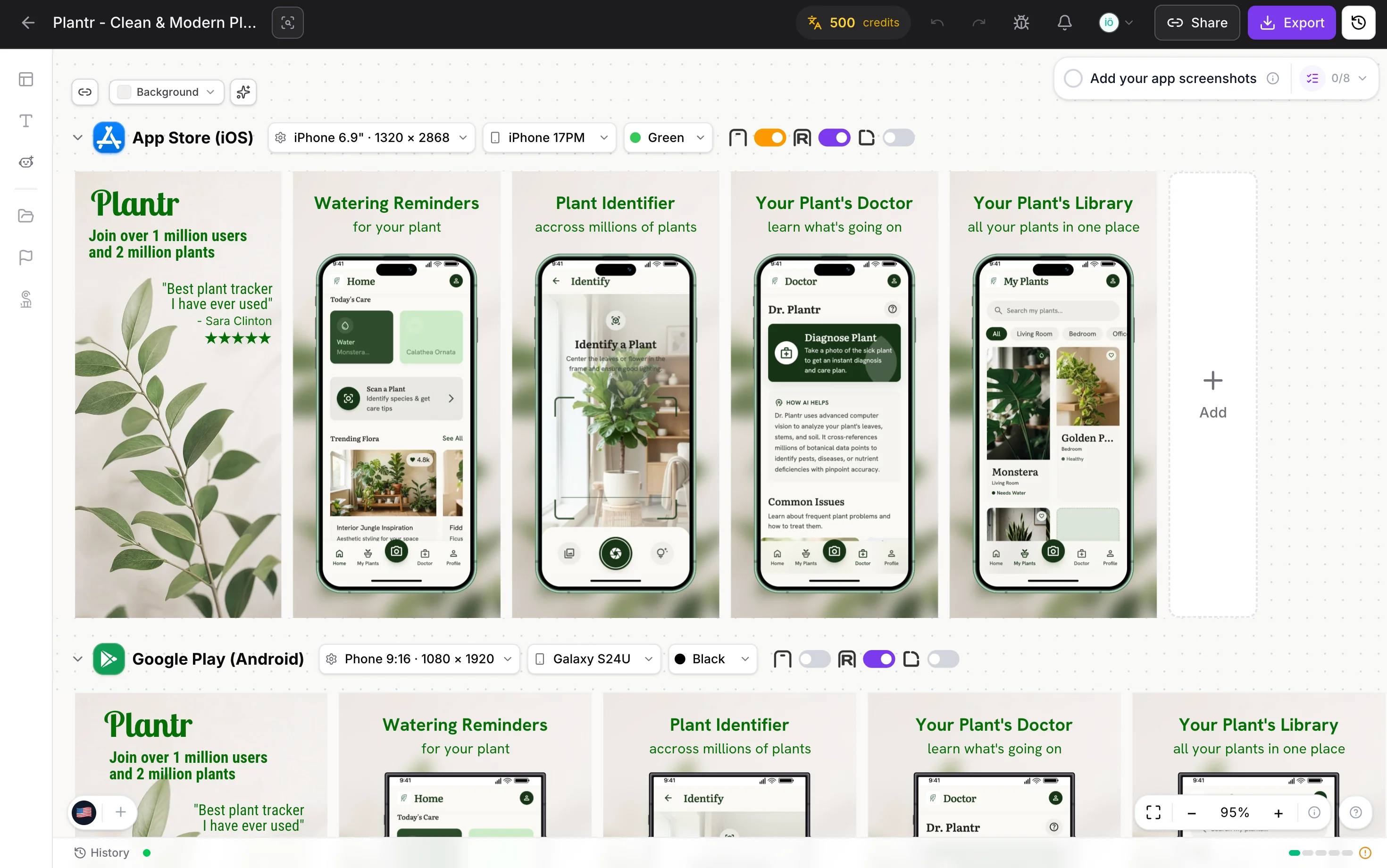
Localize your app screenshots.
Bring your screenshots to 89 store locales. Translate your copy with AI, then fine-tune it for every audience.
EnglishGermanJapaneseSpanish+85
Great app.
Even better first impression.
Create App Store and Google Play screenshots in minutes. Customize a template, add your app screens, and export every required size. Start free.
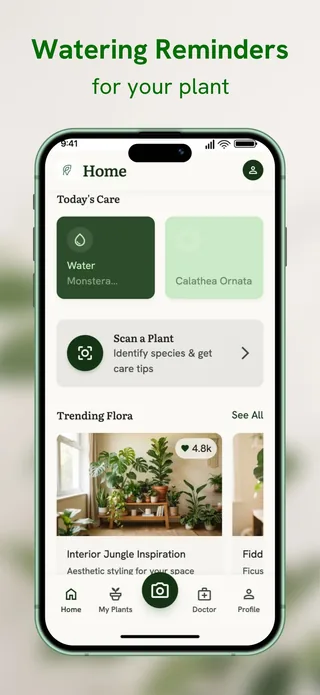
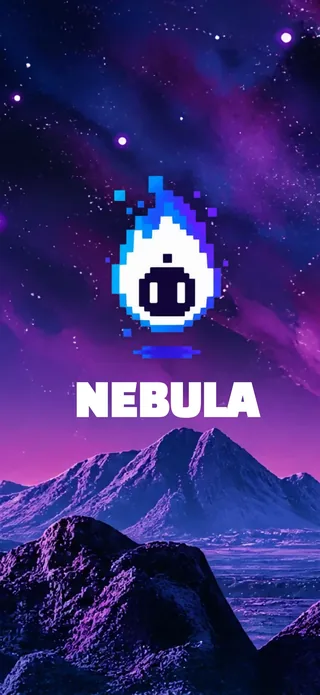
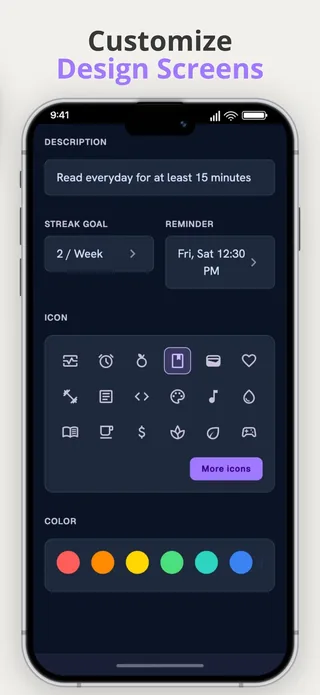
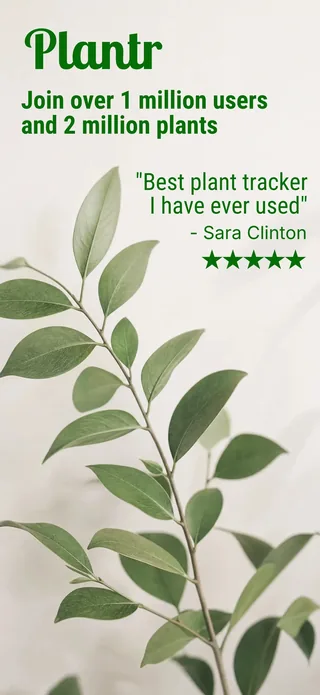
A little less designing.
A lot more shipping.
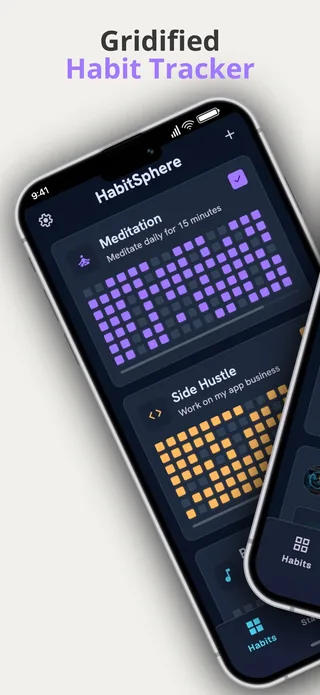
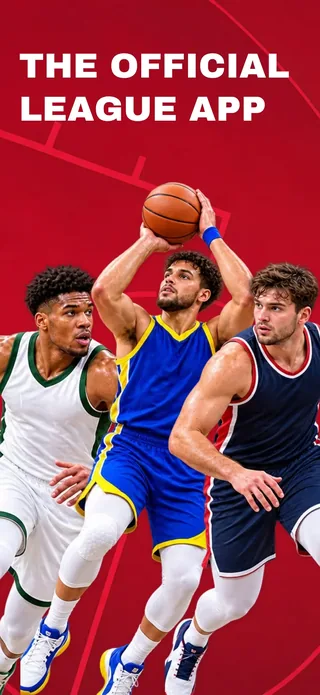
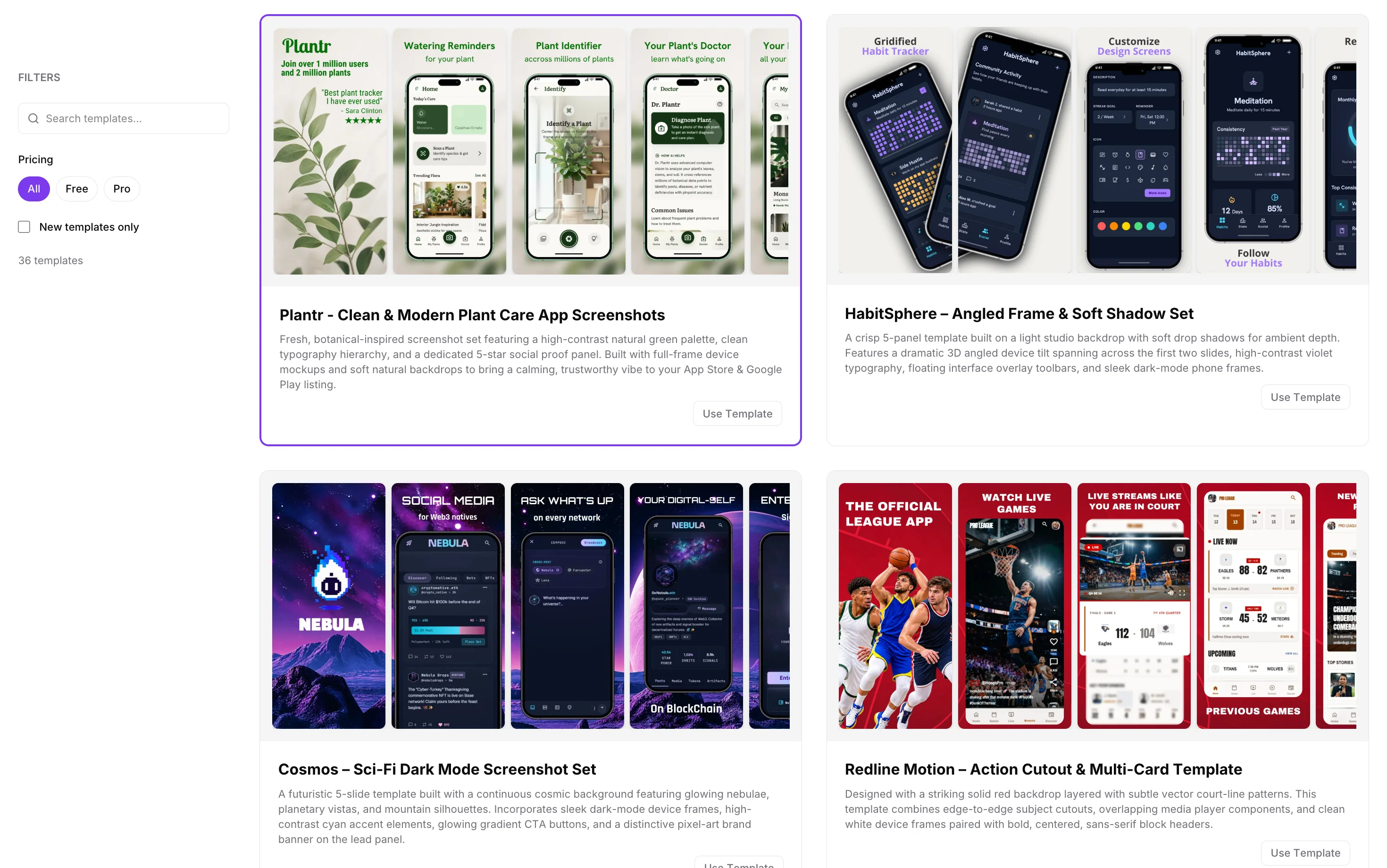
Start with a screenshot template for iOS or Android. Add your app captures, then customize the headlines, colors, backgrounds, and device frames.
Your colors. Your copy. Your story. Find your starting point
Create app store screenshots online, without Figma or Photoshop. Turn raw captures into a polished listing in three simple steps.
Bring your screenshots to 89 store locales. Translate your copy with AI, then fine-tune it for every audience.
Generate mascots, backgrounds, and assets with AI. Give your listing a personality as distinct as your app.
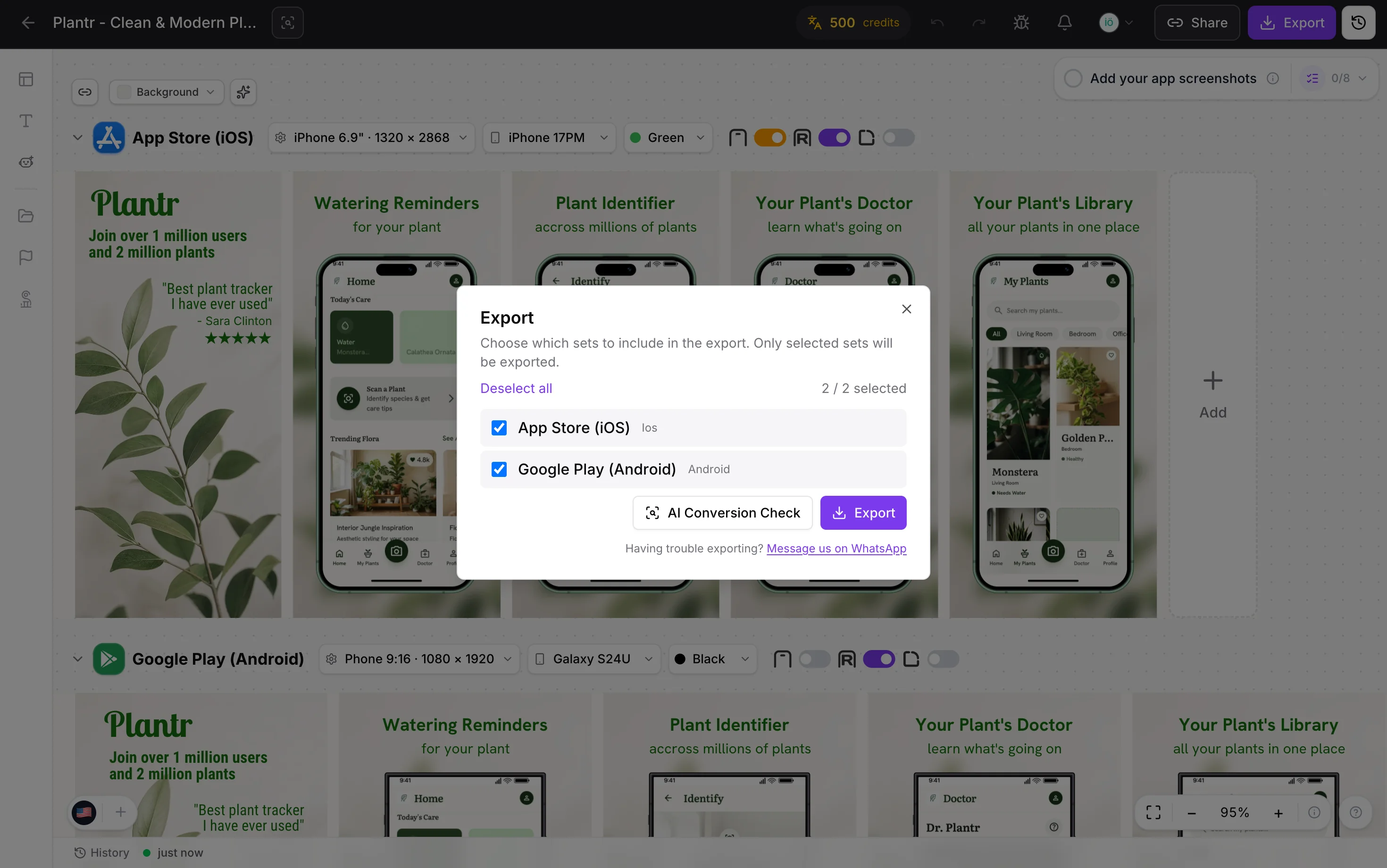
Build a consistent store presence without recreating your design for every device. Choose your frames and export the sizes your listing needs.
Turn your app captures into a complete App Store screenshot set. Customize device frames, feature headlines, and backgrounds, then export ready-to-upload PNGs for App Store Connect.
Explore the iOS screenshot generatorCheck App Store screenshot sizes →Present your Android app with Pixel or Galaxy frames and a layout that matches your brand. Export phone and tablet screenshots for Google Play Console from the same project as your iOS set.
Explore the Play Store screenshot generatorCheck Google Play screenshot sizes →AppScreenStudio is the app screenshot maker and generator behind 8,800+ developers and ASO specialists. Upload raw captures, pick a template, and export every Apple App Store and Google Play Store size in one click, no Figma, no Photoshop, no monthly subscription.
Building a full ASO stack? See our maintained list of the best app store optimization tools — free and paid, fact-checked quarterly.
Real feedback from the community.
“So many features, incredible UI and super easy to use.”
Sevde Rumeysa Kaymaz
One app or your next ten. There’s room to build.
Core design tools, free forever.
No credit card required
Start FreeThe whole studio, unlocked.
Loading price…
✓ One-time payment. No subscription.
Yes. Essential includes the core design tools, free templates, device frames, and 2 exports per day. You don’t need a credit card. Upgrade to Pro for premium templates, unlimited exports, and AI features.
No. You pay once for either one month or one year of Pro access. The monthly package includes 500 AI credits; the yearly package includes 6,000 AI credits. Access is limited to the period you purchase, with no recurring subscription.
Start with a ready-made template. Add your app screens, then edit the headlines, colors, and backgrounds in the visual editor. No design experience is needed.
Export screenshot sets for iPhone, iPad, Android phones, and tablets from the same project. See the App Store screenshot size guide and Google Play screenshot size guide to match your exports to the devices your app supports.
Yes. Edit the headlines, fonts, colors, backgrounds, and screenshot order in your browser. Add your app captures and select iPhone, iPad, Pixel, or Galaxy frames to suit your listing. Browse the app screenshot templates to find a starting point.
Yes. The editor supports 89 store locales. Pro includes localization tools, and you can use AI credits to translate your copy before reviewing and adjusting it for each market.
Your app is ready for its close-up.
Let’s make your screenshots