Is the app store screenshot generator free?
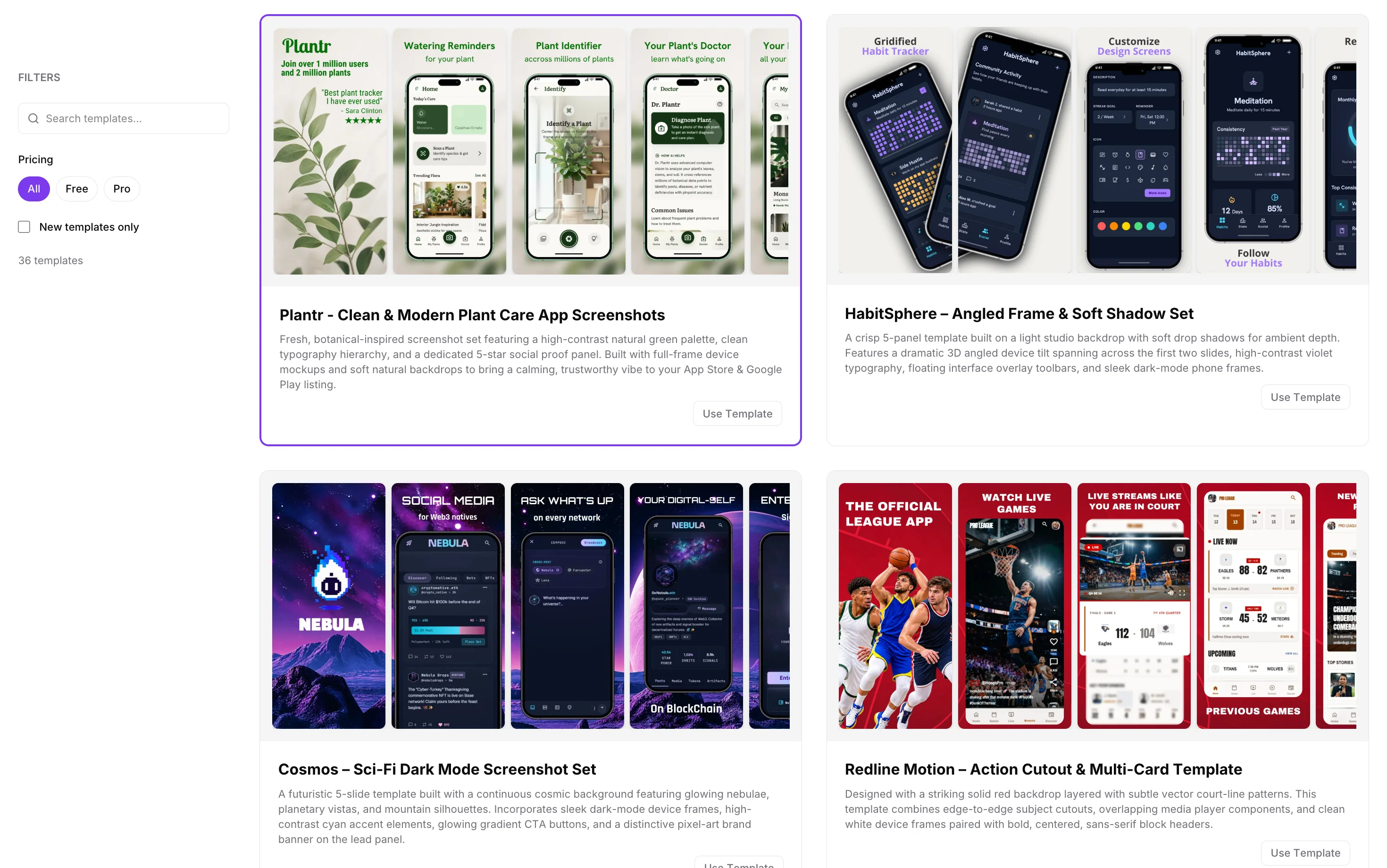
Yes. Essential includes the core design tools, free templates, device frames, and 1 export per day. You don’t need a credit card. Upgrade to Pro for premium templates, unlimited exports, and AI features.
Is Pro a subscription?
No. You pay once for either one month or one year of Pro access. The monthly package includes 500 AI credits; the yearly package includes 6,000 AI credits. Access is limited to the period you purchase, with no recurring subscription.
How do I make app screenshots without design experience?
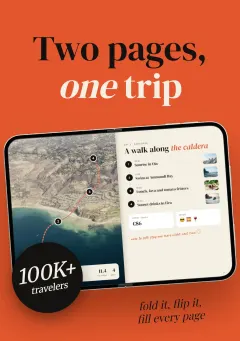
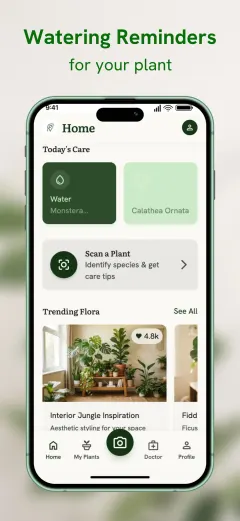
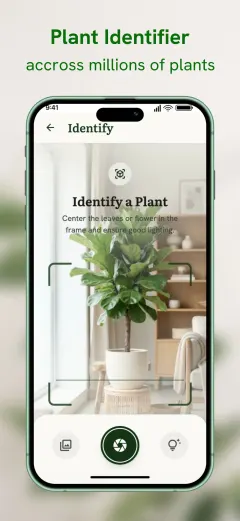
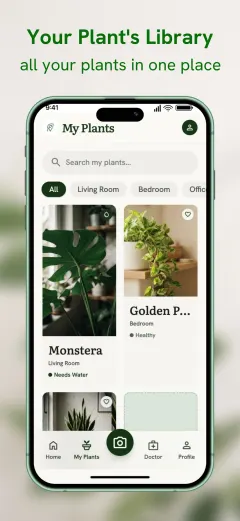
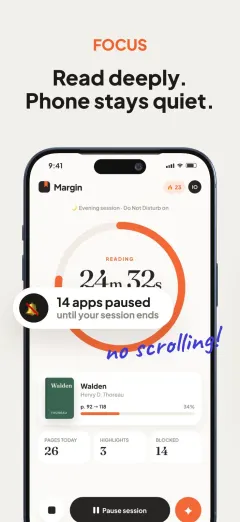
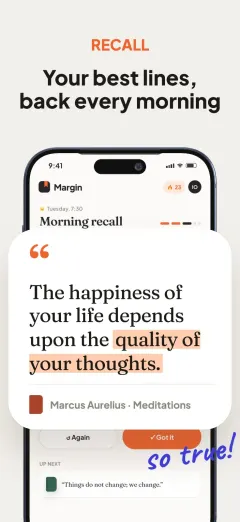
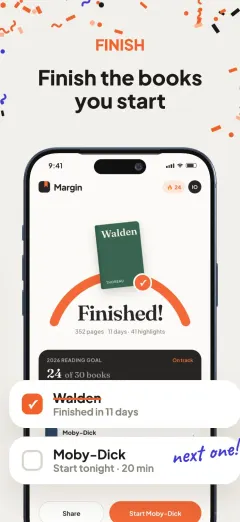
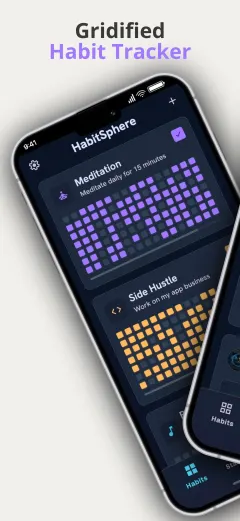
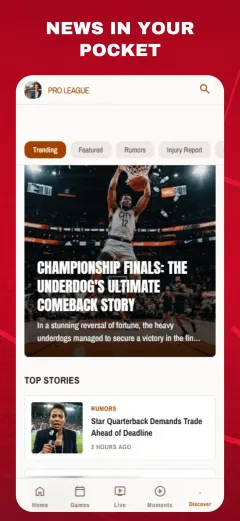
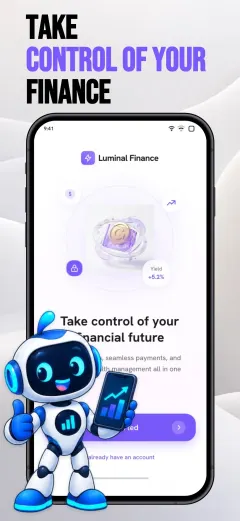
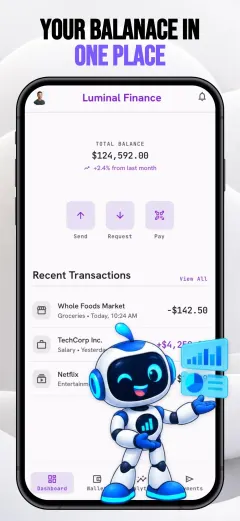
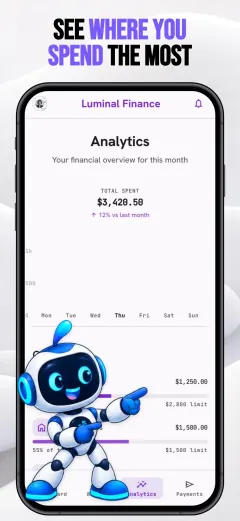
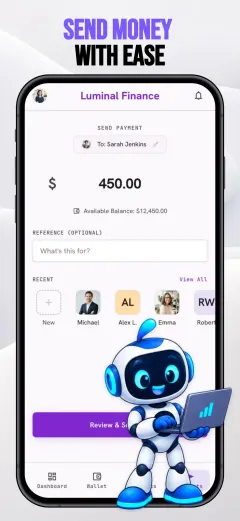
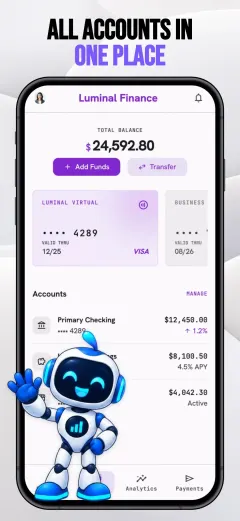
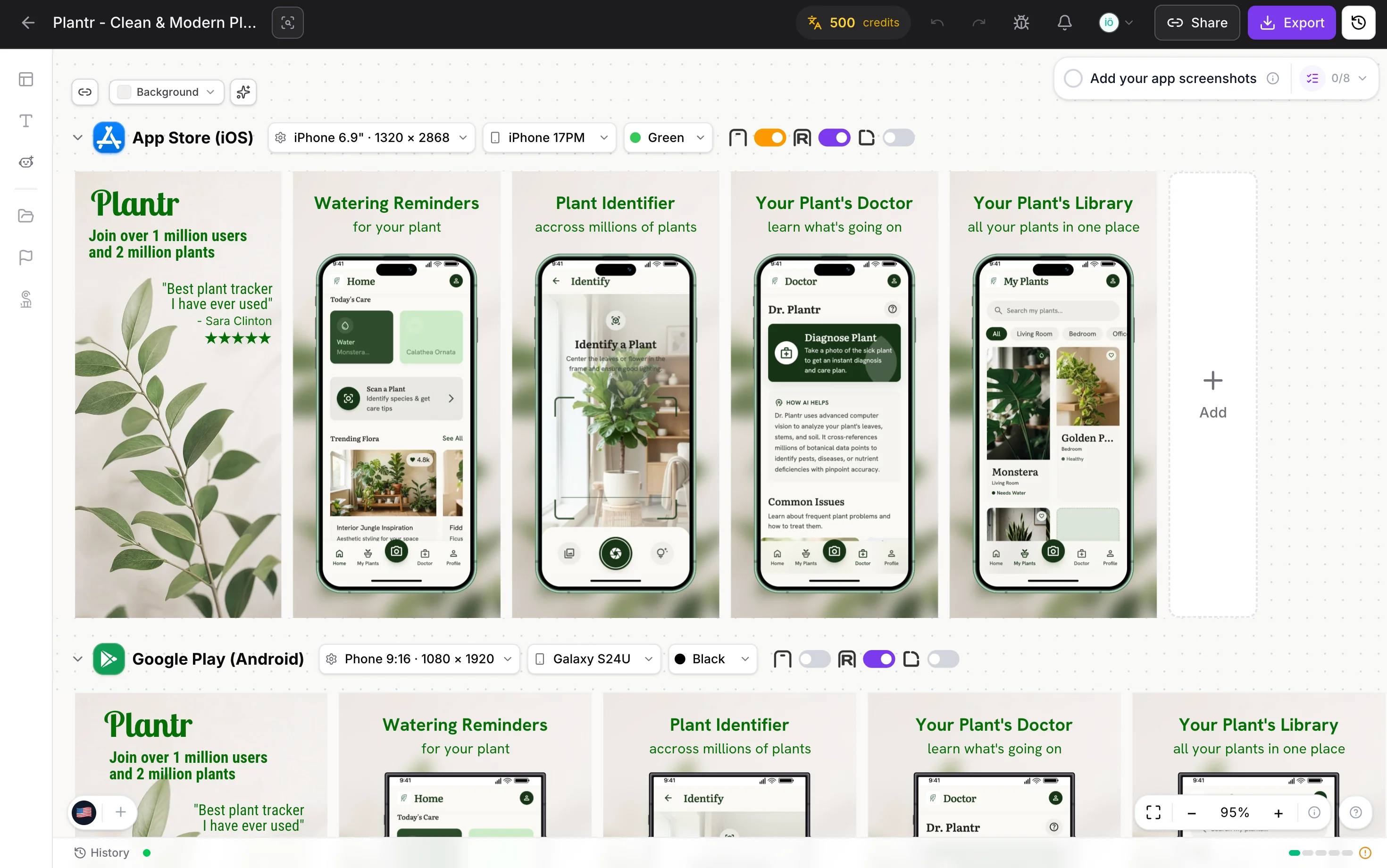
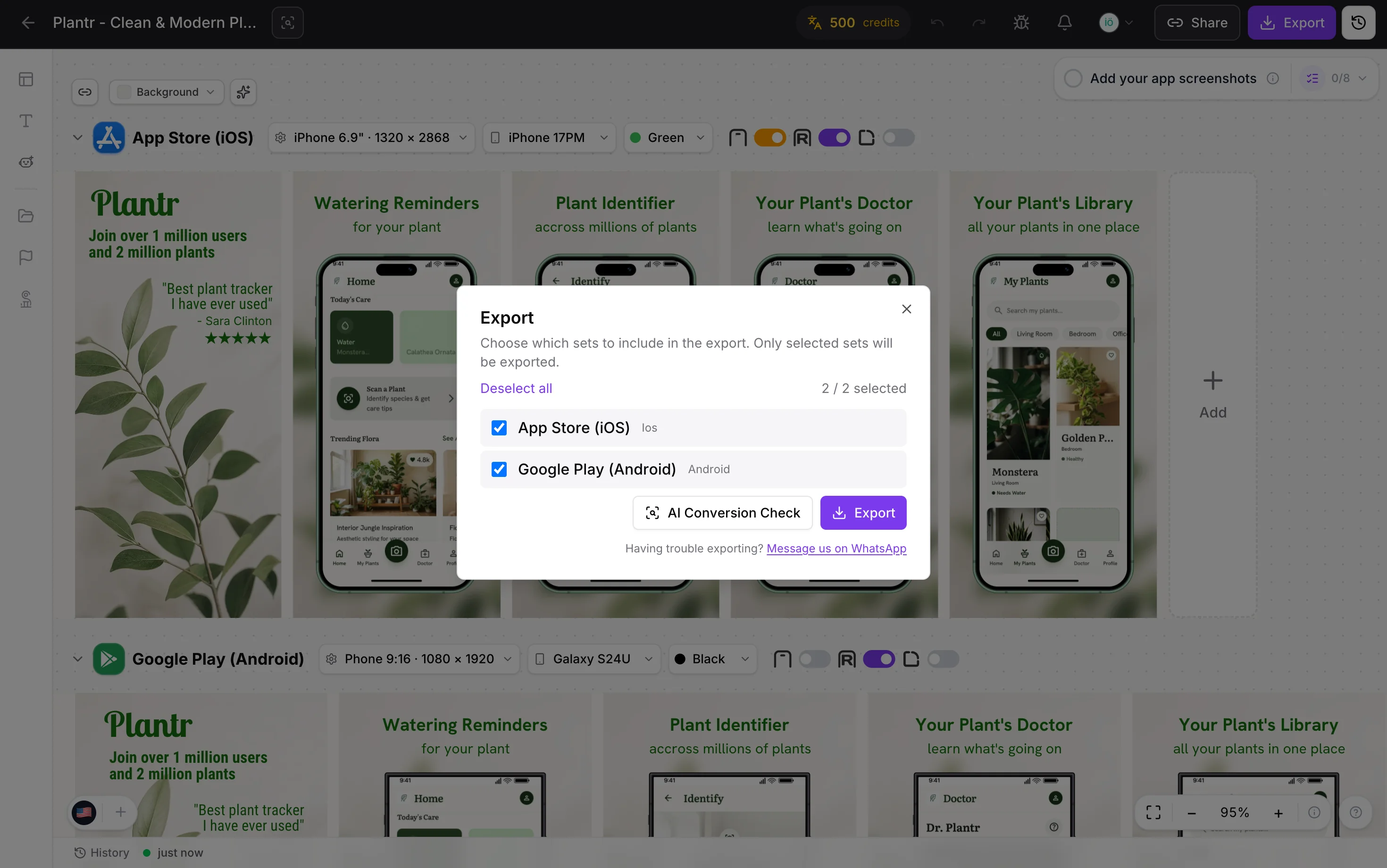
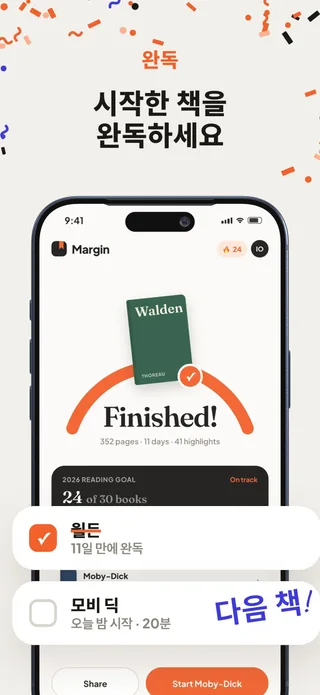
Start with a ready-made template. Add your app screens, then edit the headlines, colors, and backgrounds in the visual editor. No design experience is needed.
Which App Store and Google Play sizes can I export?
Export screenshot sets for iPhone, iPad, Android phones, and tablets from the same project. See the App Store screenshot size guide and Google Play screenshot size guide to match your exports to the devices your app supports.
Can I customize the templates and device frames?
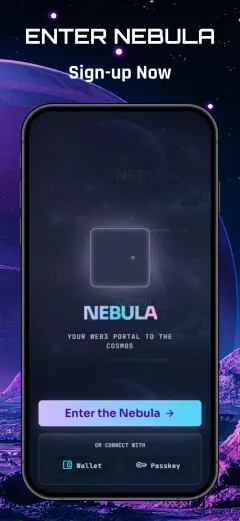
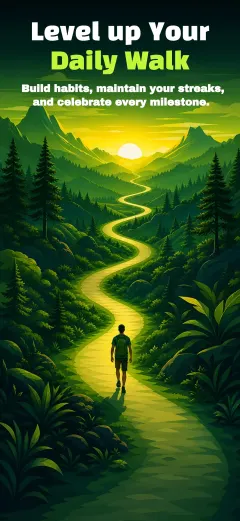
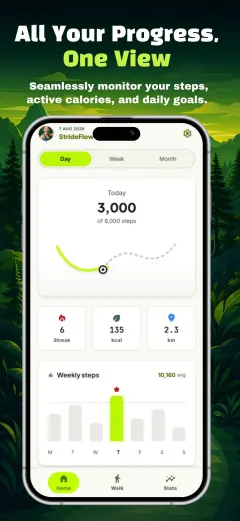
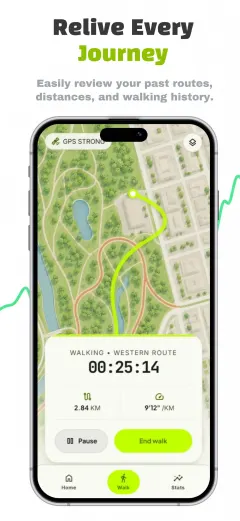
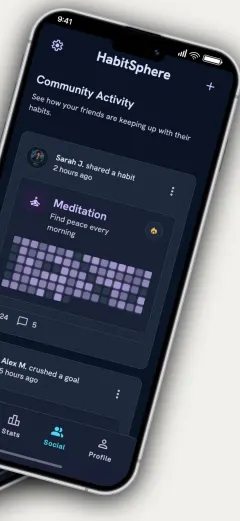
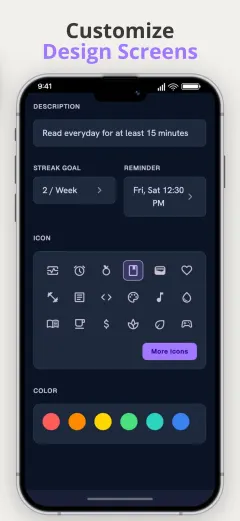
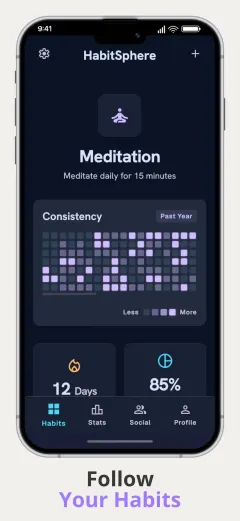
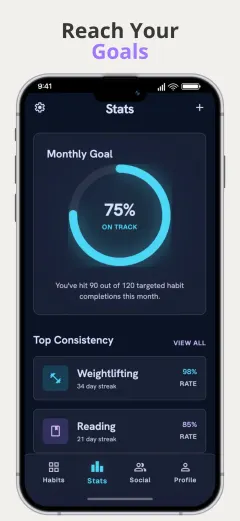
Yes. Edit the headlines, fonts, colors, backgrounds, and screenshot order in your browser. Add your app captures and select iPhone, iPad, Pixel, or Galaxy frames to suit your listing. Browse the app screenshot templates to find a starting point.
Can I localize screenshots into multiple languages?
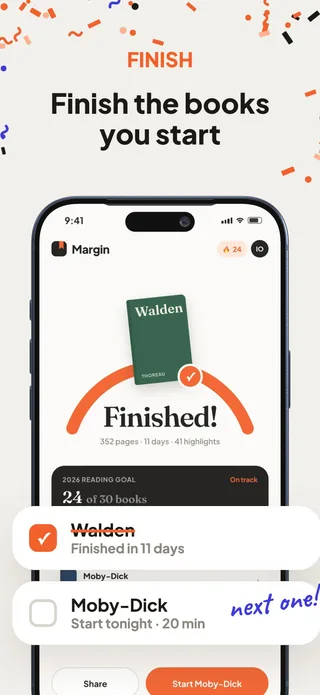
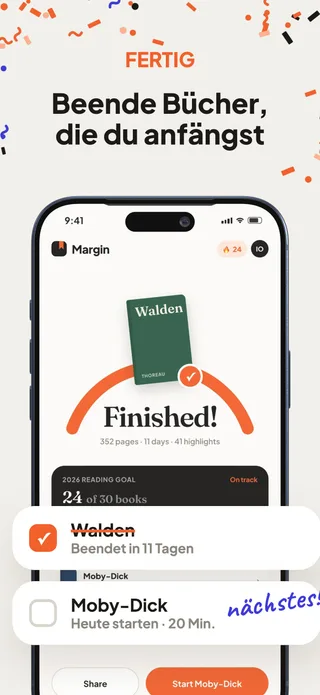
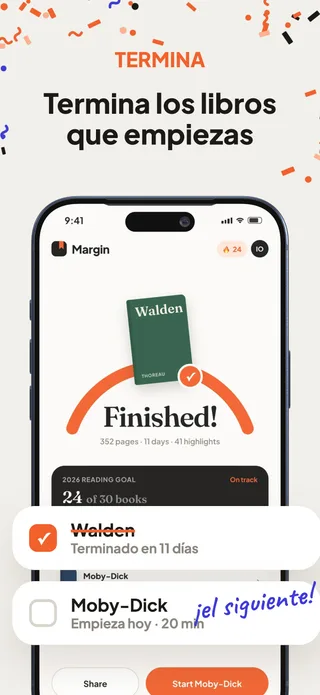
Yes. The editor supports 89 store locales. Pro includes localization tools, and you can use AI credits to translate your copy before reviewing and adjusting it for each market.
Can my AI agent design my screenshots?
Yes. Click Connect in the editor to get an MCP endpoint and token, add them to Claude Code, Codex, Cursor or Gemini CLI, and ask for changes in plain language. The agent edits text, colors, layout and devices in your live project. You review the result and export. See how to connect your agent.




 Claude Code
 Codex
Codex Cursor
 Gemini CLI
 9,000+
 8,500+
 25,500+


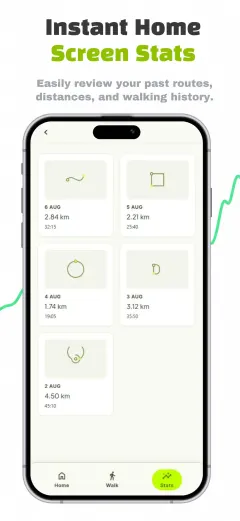
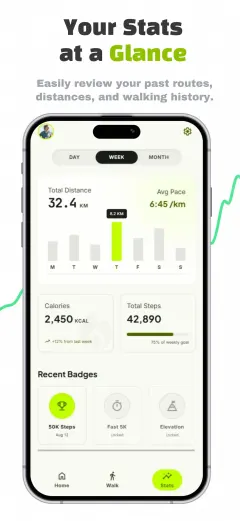
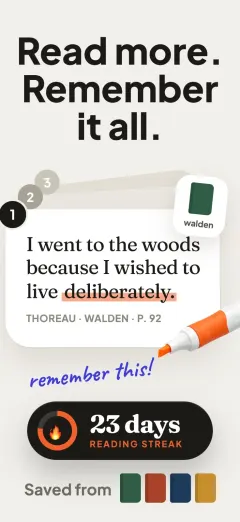
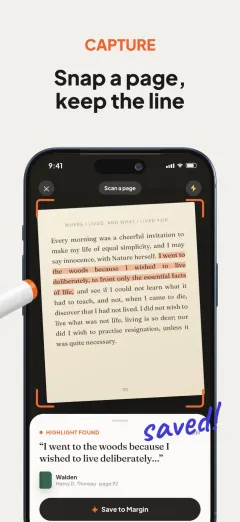
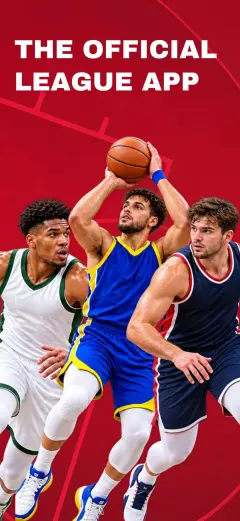
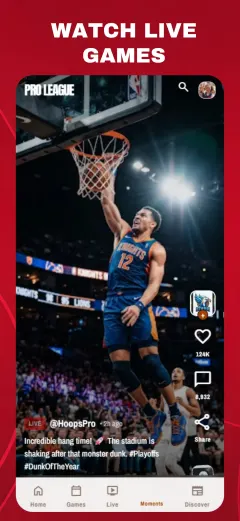
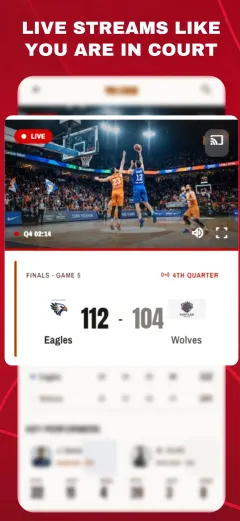
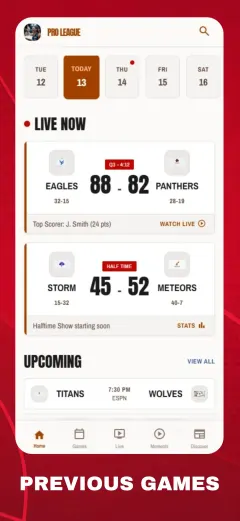
 Mascots
 Backgrounds
 App assets